What is a Kindle? The Kindle Keyboard with Free 3G

Kindle Review
Unless you have been under a rock for awhile, you probably have at least "heard" about a Kindle.
A Kindle is an ereader from Amazon.
An ereader is an electronic device that is able to store electronic versions of books(ebooks). The ebooks are downloaded electronically via computer or directly by the ereader itself from a website like Amazon . The books then can be read page by page on a small "book-sized" screen on the ereader, just like a real book. Kindle is the trademark ereader from Amazon.
I had many questions about ereaders and was wondering which device would be worthwhile purchasing; even if an ereader was worth the price. My search and research was cut short several months ago when I received a gift of the latest Kindle...a Kindle with WiFi and free 3G. .
To my great surprise, I also discovered many free ebooks available right from the Amazon site and many more at very economical prices... I recommend a visit to the Amazon site to check out the variety and price ranges available!
Not only that, but I soon realized I love reading on the Kindle. Books are all neatly in one place and I can manage them also from my computer with "Kindle for PC" !
How Does the Kindle 3 Compare to the New Kindle Fire Tablet?
In the last few days, new versions of the Kindle have been announced. One of the versions is the new Kindle Fire Tablet which is in direct competition with the Apple IPad. Would I buy one? Well, probably not since I have a farly new Kindle 3...
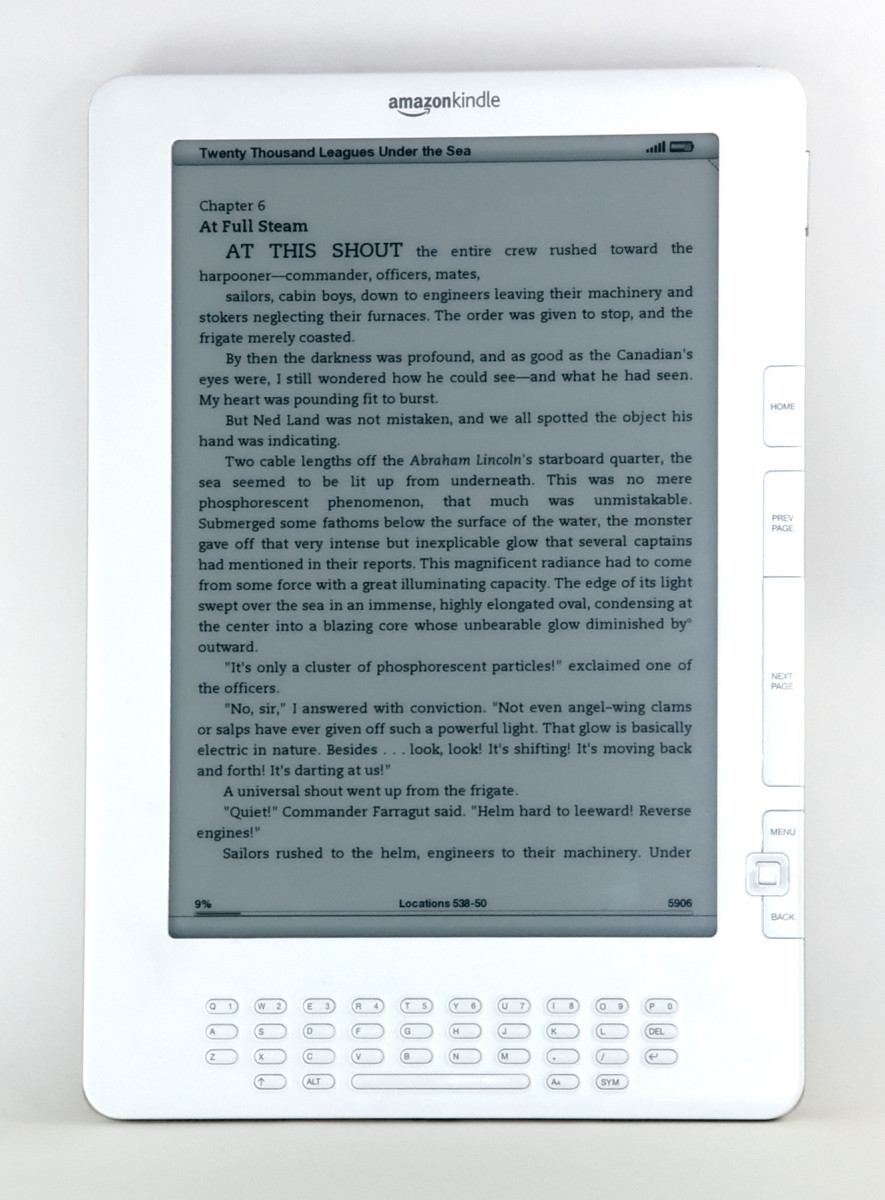
Checking the Amazon site, I am impressed with the new tablet. It certainly looks beautiful and has a larger screen than my Kindle and has the same dimensions.
What I prefer in my 
The Kindle 3 has a keyboard which has been eliminated with all the new versions; they are all touchscreen and I prefer a keyboard. It is able to operate on a 3G network so I can download away from a hotspot...the Kindle Fire Tablet only works with WiFi...hmm...that would be a dealbreaker for me since I have often been out of reach of the internet this summer since I have travelled and lived in rural areas that are accessible by cell phone and only have 3G networks available... my Kindle 3 works better in that case.
What would I like about the Kindle Fire Tablet?
I would enjoy the colour display feature, but I am not so sure if it can be read in a brightly lit area where the sun causes a glare. Reading accounts from customers, it appears the Fire has the same problem as computer screens...so use a laptop in conjunction with the Kindle 3G and you have the best of both worlds...you most likely already have a laptop! All you need to do is download the program "Kindle for PC" and you have colour display for all your magazines which can be read on your laptop! Win-win! Same goes if you want to quickly go back and forth in a reference manual... check it out on your laptop ( going back and forth on a Kindle is more awkward and time consuming).
I recommend downloading the Kindle for PC software to your laptop for extra convenience...no extra cost! Guess you may need to own a Kindle first...but I do not know for certain.
Features of My Kindle
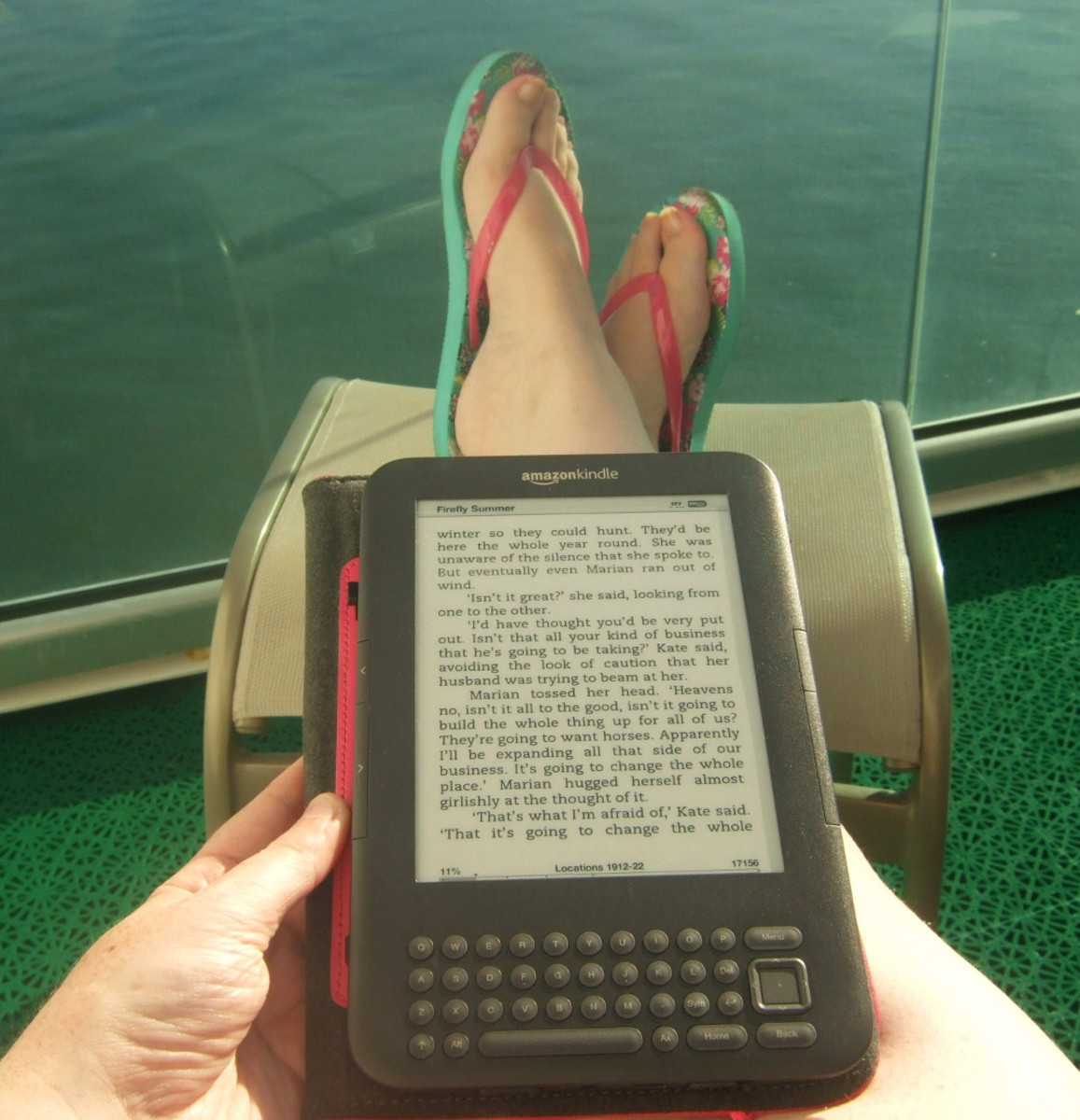
My Kindle has a leather zipped case. The case is a separate purchase. I recommend a case since it makes the Kindle feel and look like a book…I catch myself trying to turn the page the old-fashioned way, so you can tell I think it is a real book!
Another good feature: The battery life is good and the recharging is relatively quick.
The Kindle is lighweight and has a screen that can be read outside in bright light which is an advantage when you are on vacation and want to read outside with a cool drink. You can read it at all angles so you can truly relax...I know since for the first time in a long while I have read a few books!
The Kindle 3 and previous versions have 3G capability so you can access your Gmail and Yahoo Mail from the Kindle...that is a real boon on vacation when I wasn't able to get access to my computer and of course it can be used for shopping for ebooks right from the Amazon site...now that is handy.
Actually, I have browsed the Amazon site for ebooks on my computer and downloaded to my computer. My Kindle also has WiFi so that I then download the ebooks to my Kindle from the computer via "Whispernet".
I use a booklight if I want to read in the dark or in very dim light since the Kindle is not back-lit like a computer, but as I said earlier that feature is a huge advantage reading outside or in brightly sun-lit areas...since it is difficult to read a computer screen if there is direct sunlight on it.
P.S. Now that I have had time to look at other offerings of free ebooks, I find the Amazon site one of the best and I recommend checking out Amazon. There are also many low cost titles available and the books are quite good!
Formats the Kindle 3 will Display
One question on the top of my list was: What you can actually display on an ereader and for me at least, I thought the more formats I can read the better. I think the Kindle has enough!
You can read books designed for ebooks, classics that have been formatted especially for ereaders, magazines, newspapers, articles, PDFs, even your own documents. There is also an audio format and the ability to play MP3s. I have not tried the audio feature or the MP3 feature yet, but when I try it out, I will add my opinion, but I like to read and am inclined to not use either feature at present.
The Kindle works on a 3G network, so that means you can access email through Gmail and Yahoo mail and that is a feature I have used when unable to connect with friends when I am out of range for use of a computer through ISP. That is an experimental feature presently, but I hope it becomes a standard. Using that feature you can access Amazon's store and some networks such as Yahoo, BBC and others, but that feature is more trouble than it is worth since the feed is slow and wonky and of course all the detail is monotone (think black and white internet) and the print is small. There is a magnifying feature but I usually get bored waiting for the pages to load and end the feed before it is finished!
There is a Kindle User Guide right on the Kindle...which is handy and you can also download a PDF version of the guide for your computer.
So the formats displayed are: Kindle(.AZW,.AZW1,.AZW2), Text (.TXT), PDF (.PDF), unprotected Mobipocket (.MOBI,.PCR) note: there are limitations, those files cannot have Digital rights Management (DRM)
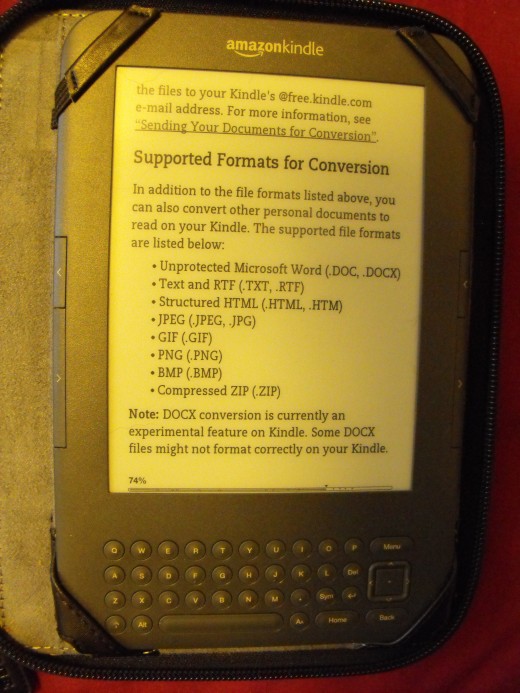
There is a cost for converting other types of documents for Kindle, but you can do this (according to the guide) by emailing the files to your Kindle's email address.
Those files supported for conversion are: .DOC,.DOCX, .TXT,.RTF,.HTML,.HTM,.JPEG,.JPG,.GIF,.PNG,.BMP,.ZIP
References:
Kindle User's Guide, 3rd Ed.
Some Information on Kindle vs Sony E-Reader and Free e-book Offers
If you are budget savy and enjoy reading various types of books, the Amazon site has free Kindle ebooks to offer. These are full sized versions and some are there for just a short time. The offers vary, but often are excellent reading for young and old. I have found many excellent books, especially on writing. My cost? $0.00!
By comparison the Sony e-reader also has access to free ebooks but for the most part they are not full copies and my friend who has a Sony ereader buys all her books.
The Amazon method is a great way to sample the work of an author, so you can expand your reading horizons without wasting money. Not all the authors will suit your taste. I think that feature is an excellent selling point for a Kindle.
On the other hand, I have heard Google books cannot be downloaded to a Kindle...I have not tried that yet. I would look forward to a comment on this topic.